
The real sky,wherever you fly.
StrataWx reads the weather happening right now and builds the whole atmosphere around your aircraft, from the surface to the flight levels. Then it keeps your simulator matched to it, mile after mile.
From $29.99, once, on StrataSim Shop, and every update to a simulator you own is free. For Microsoft Flight Simulator 2024 or 2020, or X-Plane 12, on 64-bit Windows 10 or 11.
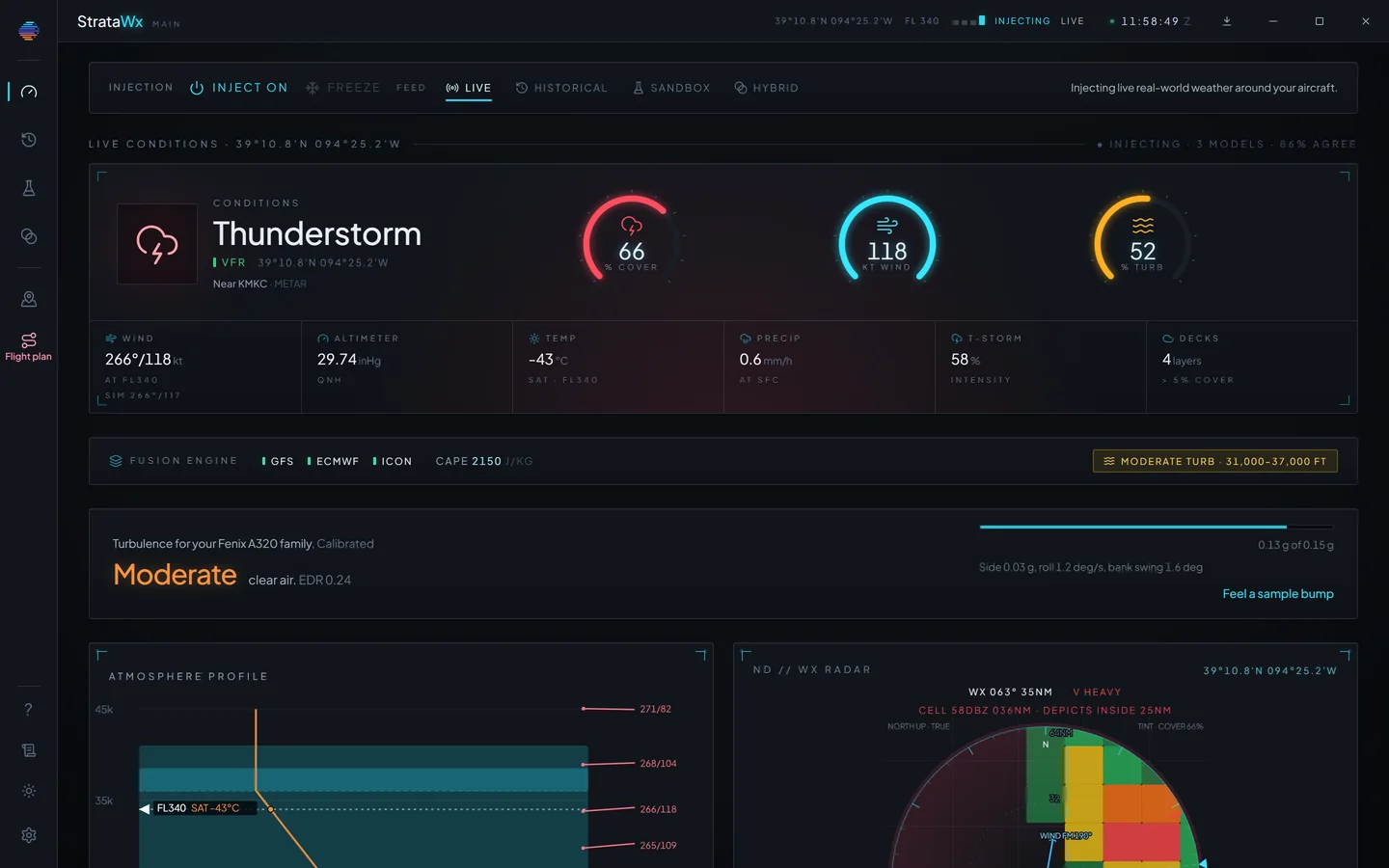
Not a preset. The whole sky.
StrataWx does not pick a weather preset and leave it there. It builds the column of air you are flying through: the temperature and the freezing level, the wind at every altitude, each cloud layer at the base and top it really has, and the rain around you.
Global modelsGFS, ECMWF and ICON build every column, and the app shows how closely they agree.
Pressure levelsFrom 925 to 100 hPa, so there is a wind and a temperature at every altitude you climb through.
Cloud layersEach with its own base, top, coverage and density.
Ways to flyLive, Historical, Sandbox and Hybrid, in every licence.
Read it like a briefing.
Ceiling, freezing level and convective risk at a glance. Icing and turbulence plotted by altitude. SIGMETs, AIRMETs and pilot reports near you, with their altitudes. And a precipitation scope around the aircraft, drawn from measured radar in the US and from the forecast models everywhere else.
Everything it shows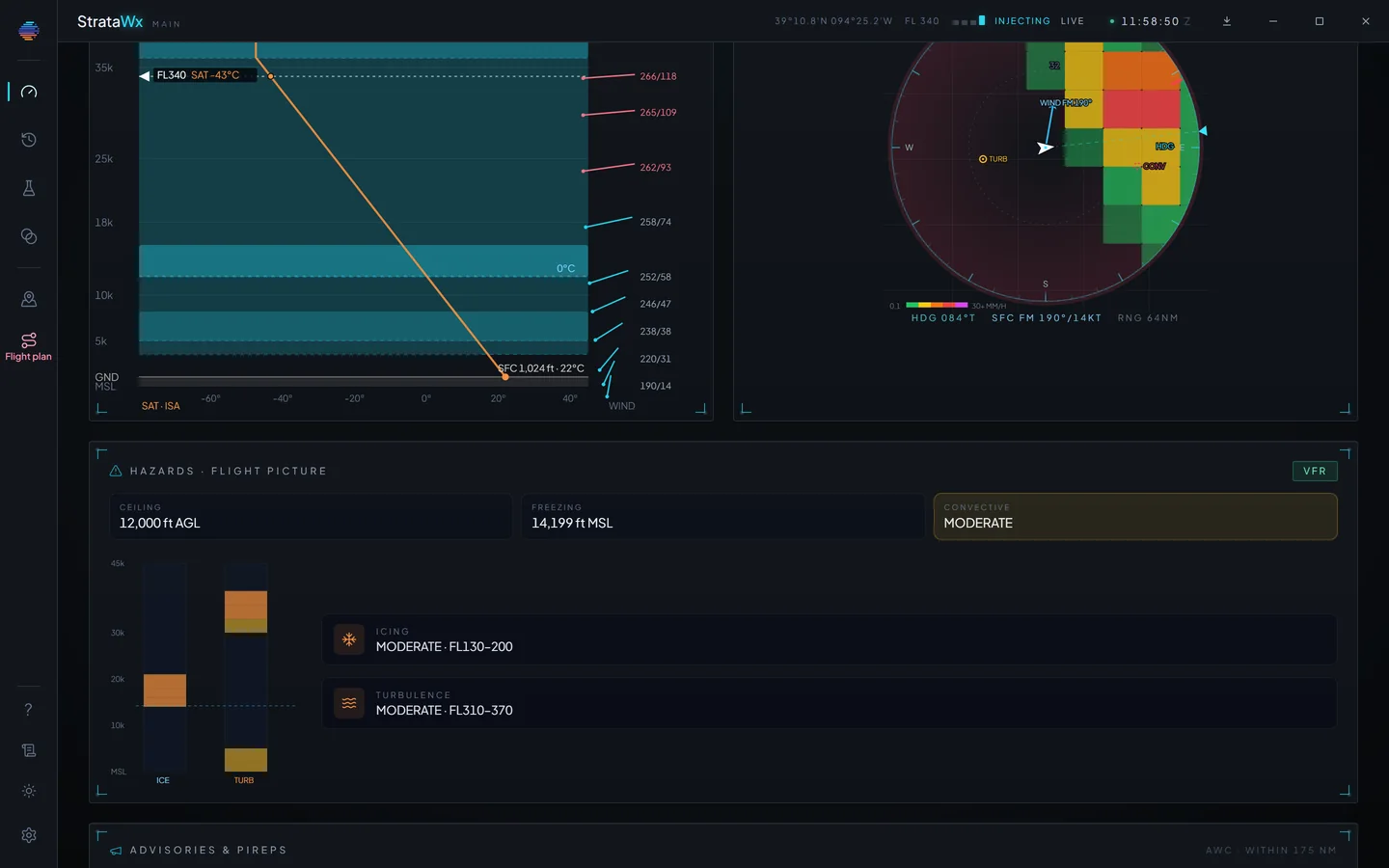
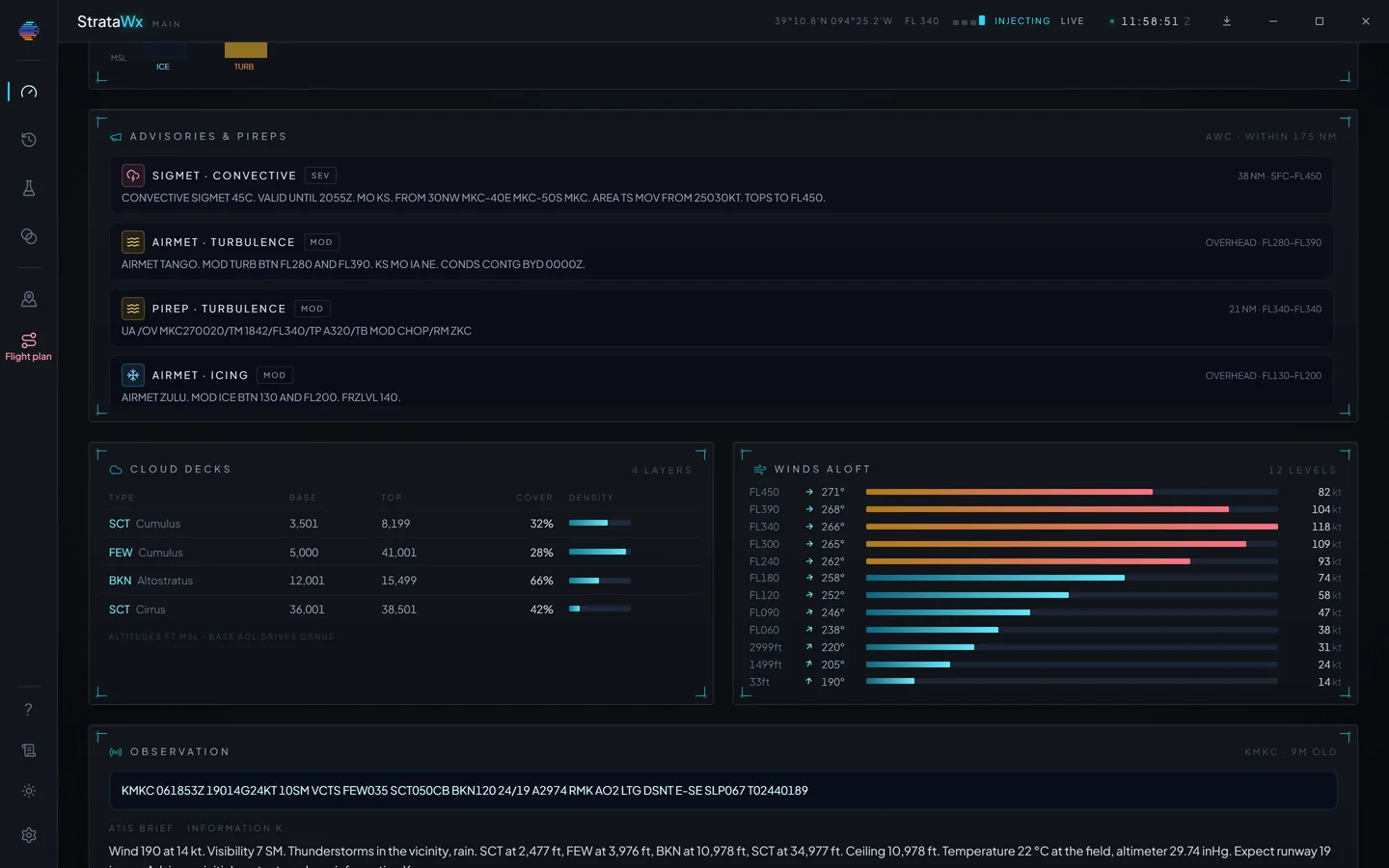
Layer by layer, as observed.
Every cloud layer with its base, top, coverage and density. The wind and temperature at every level from the surface into the flight levels. And at the foot, the METAR the whole picture is anchored to, decoded, with the ATIS StrataWx writes for the field.
A METAR counts where it was taken.
A surface report is the truth at its station and a guess everywhere else. So StrataWx trusts a METAR fully within 30 NM of the station, then lets that trust fade smoothly to nothing by 140 NM, blending the reported wind into the models' surface wind as it goes.
A field with no report of its own never inherits a far-off station's wind, and you never fly through a wind shift that was only ever a gap between two airports.
26 NM from the station: the report counts for 100%, the models for 0%.
Drag to fly away from the station. This is the curve StrataWx uses.
Every change, eased in.
The weather moves while you fly, and so do you. StrataWx carries each change across as a continuous move rather than a swap, at one of four speeds you choose. On MSFS 2024 it can stream the in-between weather, so a change drifts in instead of arriving as a step, and near the ground it can hold the sky still so nothing shifts on short final.
Smooth: about 40 to 60 seconds.
Sped up for this page. The dashed line is a change that lands all at once.
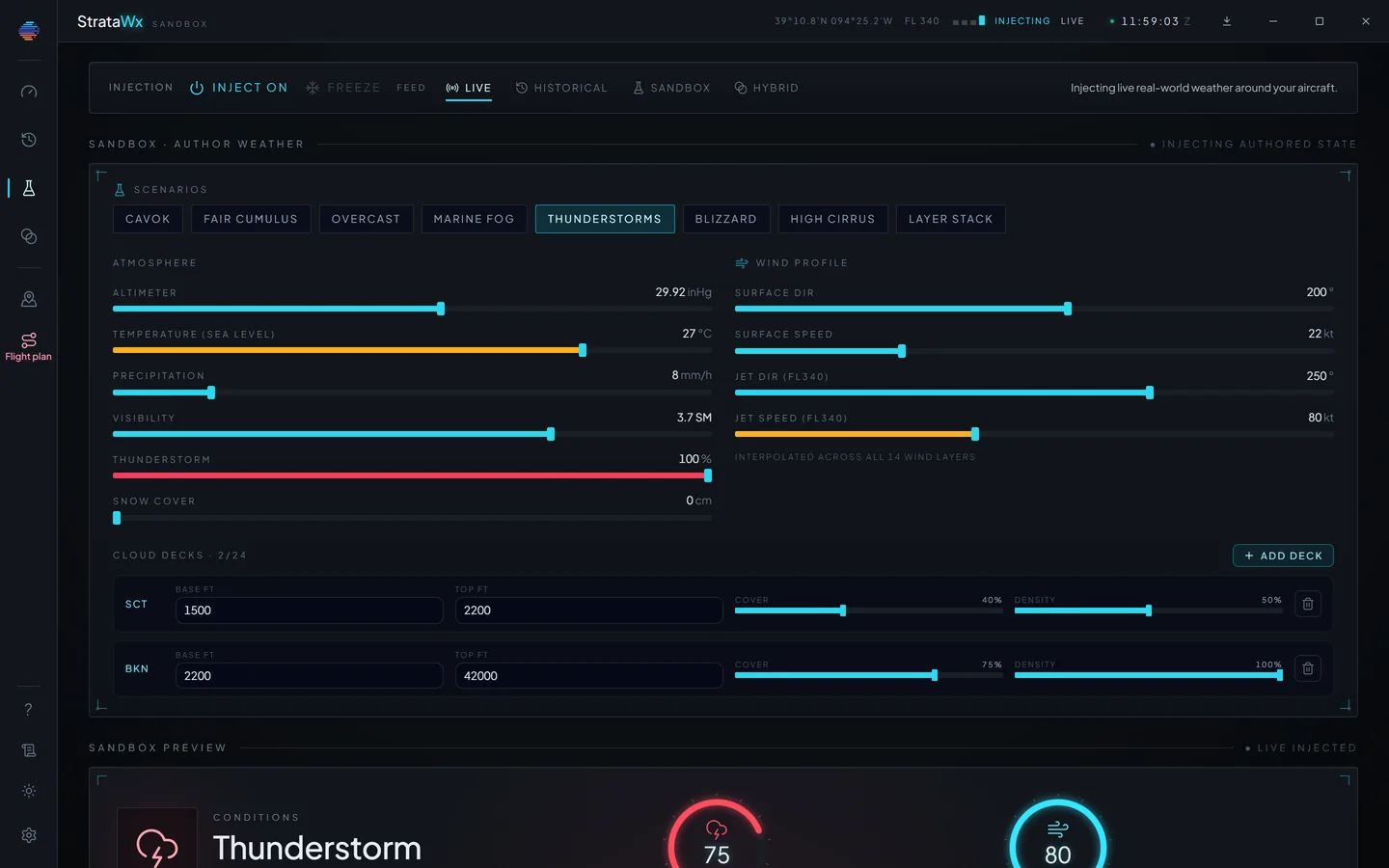
Four ways to fly.
All four are in every licence, picked at the top of the app, and none of them is a paid extra.
Live
The weather happening right now, kept current around your aircraft for the whole flight.
Historical
A past day rebuilt from the ERA5 reanalysis archive. ERA5 trails real time by about five days, so recent weather is Live's job.
Sandbox
Exact conditions you author: overcast at 1,200 ft, a 30 kt crosswind, moderate chop. It needs no connection at all.
Hybrid
Today's real winds, temperature and pressure under a sky you set by hand.
Plan the flight before you fly it.
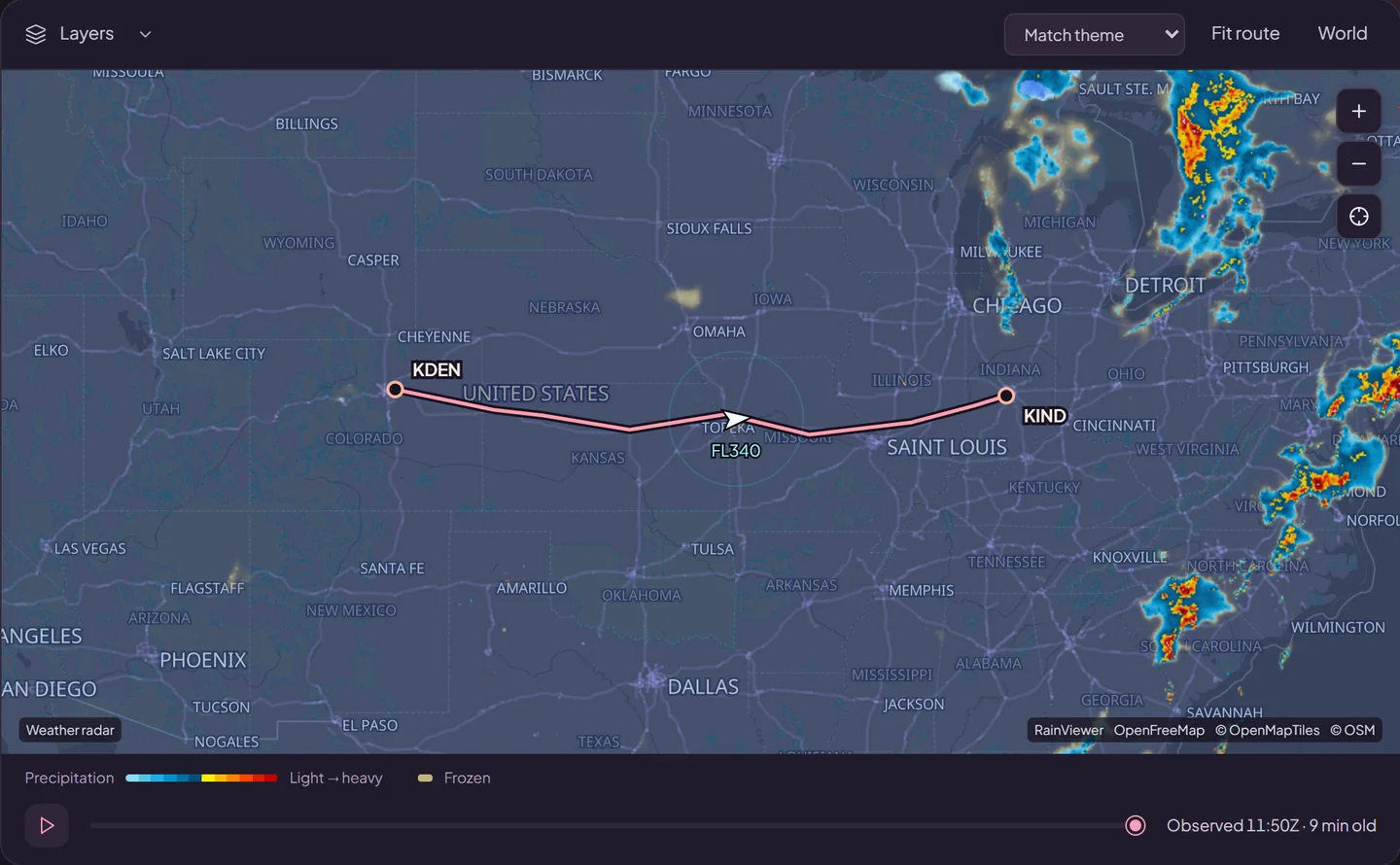
Weather planning puts today's radar, any airport's weather and your route in one place, before a flight or during one.
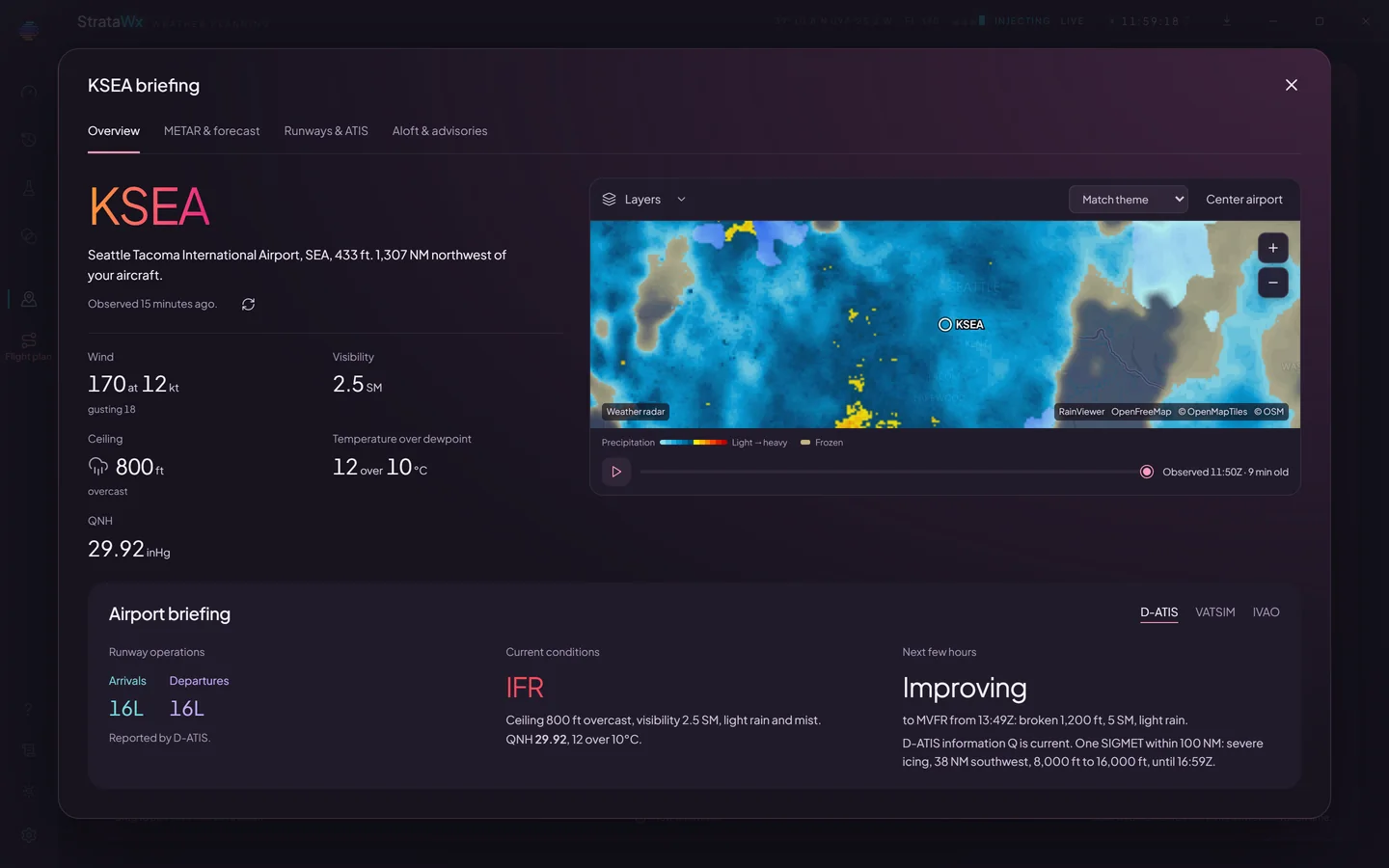
Any airport, briefed.
Type an ICAO and get the field the way you would brief it: the METAR and TAF decoded, what the next few hours look like, the runway the wind favours, and the D-ATIS, VATSIM or IVAO broadcast where there is one.
Your route, fix by fix.
Load your latest SimBrief plan, open a plan file from your simulator or planner, or build a route by hand. StrataWx briefs the wind, temperature, icing and turbulence at every fix and its planned altitude, then sends the winds to a PMDG or iFly FMC.

Three simulators. One engine.
The same weather modelling behind each of them, and an app for each that you install, activate and update on its own.

MSFS 2024
The full engine, with continuous transitions and turbulence you feel in the seat.
See the prices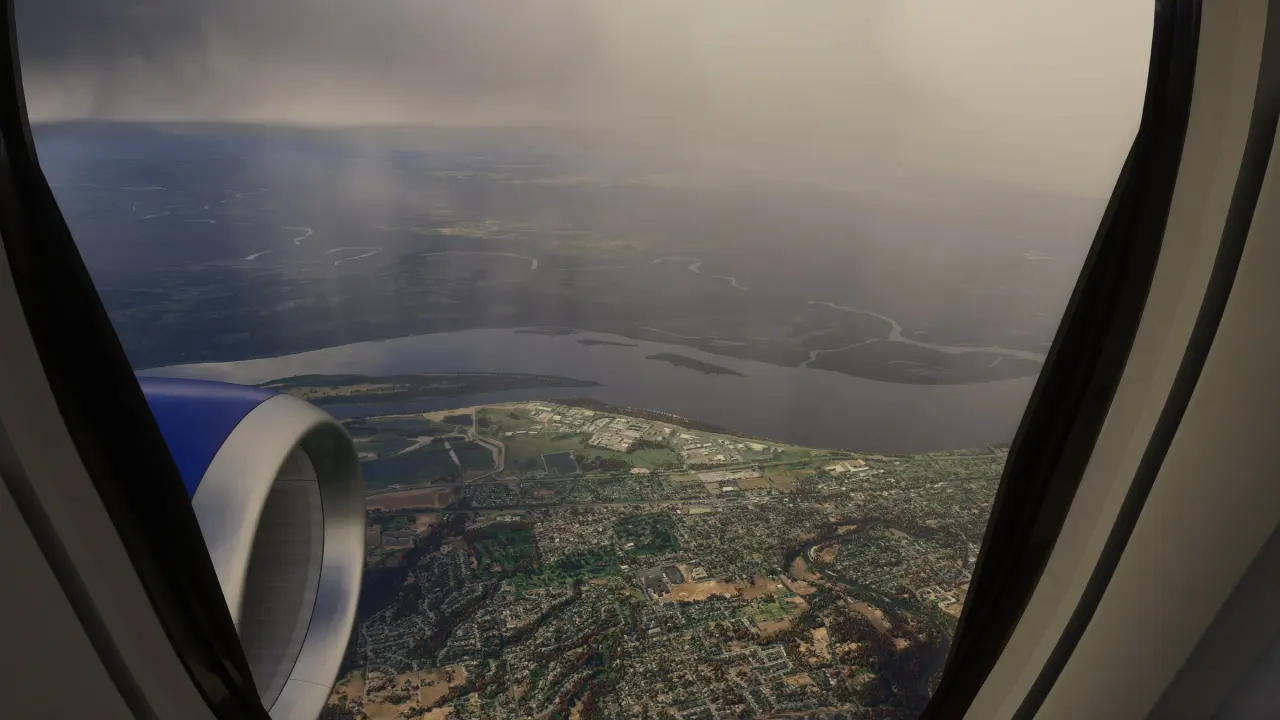
MSFS 2020
The same app and the same engine, with an in-sim panel built for the older simulator.
StrataWx for MSFS 2020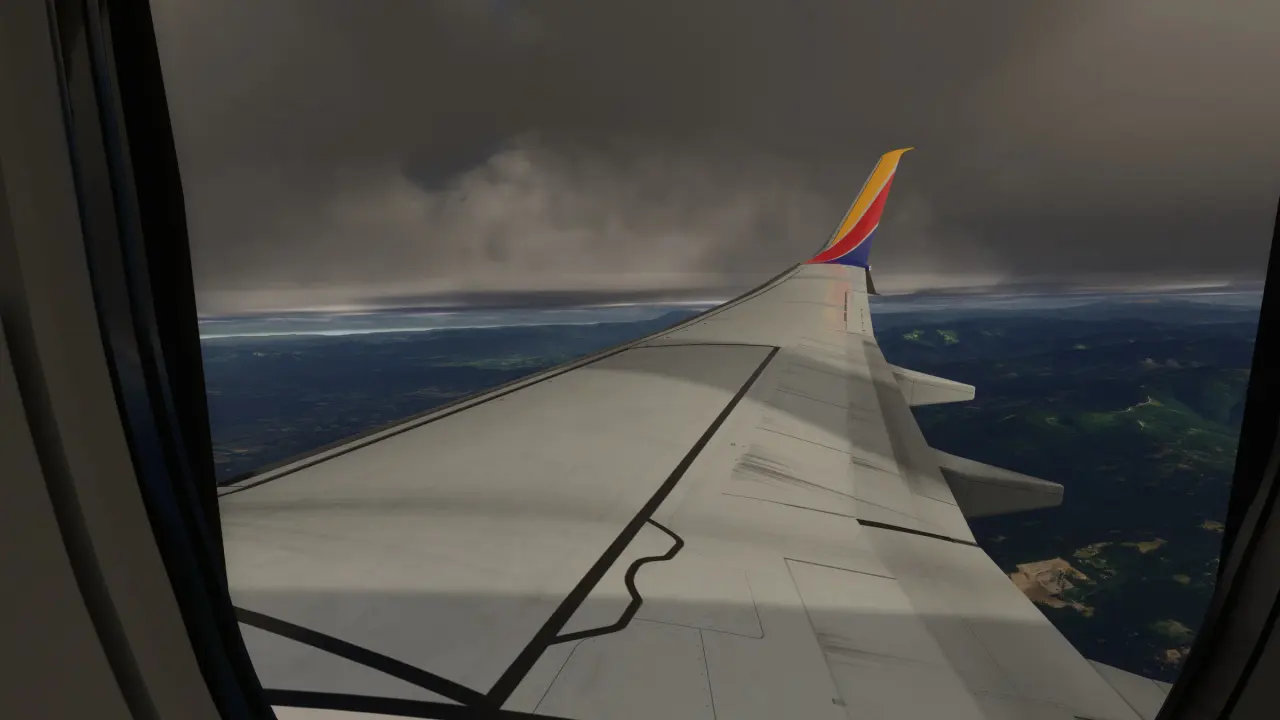
X-Plane 12
A separate build that writes the weather into X-Plane layer by layer.
StrataWx for X-Plane 12Weighing Active Sky FS?
Most pilots who look at StrataWx look at Active Sky FS too. So we compared the two row by row, in their own published words, and gave the things they do better a section of their own.
Buy it once.
One-time prices on StrataSim Shop. Every update to a simulator you own is free, and one copy runs on three of your PCs at once.
One MSFS simulator
$29.99
One time, on StrataSim Shop.
MSFS 2024 or MSFS 2020. The same engine and the same window in either one.
Both MSFS simulators
$35.99
One time, on StrataSim Shop.
MSFS 2024 and MSFS 2020 on one licence, each with its own app.
X-Plane 12
$40.99
One time, on StrataSim Shop.
A separate build on its own licence, writing the weather into X-Plane layer by layer.
All three
$62.99
One time, on StrataSim Shop.
MSFS 2024, MSFS 2020 and X-Plane 12, on one licence.
Already own StrataWx for one MSFS simulator? The cross-grade adds the other for $6.99, in either direction, and it is never a second full purchase. It does not cover X-Plane 12.
Windows 10 or 11, 64-bit. Tax is added at checkout where it applies. Bought StrataWx before it was on StrataSim Shop? You keep it: bring your licence across.
Questions.
Which simulators does it support?
Microsoft Flight Simulator 2024 and Microsoft Flight Simulator 2020, from Steam or the Microsoft Store, and X-Plane 12, all on 64-bit Windows 10 or 11.
Each MSFS simulator has its own StrataWx app, installed, activated and updated on its own. StrataWx for X-Plane 12 is a separate build on its own licence.
Is it a one-time price?
Yes. You buy StrataWx once on StrataSim Shop, and every update to a simulator you own is free. Adding the other MSFS simulator later is a small cross-grade, never a second full purchase.
Can I keep Active Sky FS installed?
Yes. What conflicts is two weather engines running at once, because both set the one sky MSFS has. StrataWx does not start while Active Sky FS is running, and if Active Sky FS starts afterwards, StrataWx warns you and offers to close it. How the two compare.
Will it cost me frames?
Very little. The heavy work happens in the StrataWx app, outside the simulator, so MSFS only ever receives a finished weather state.
On MSFS 2024 the heaviest setting is Continuous transitions, which sends a stream of in-between weather instead of one update. If the weather moving ever costs you frames, that is the switch to turn off first.
Does it work offline?
Live and Historical read real observations as they happen, so they need an internet connection. Sandbox needs none.
Your licence renews online in the background. If your connection drops, an activated PC keeps working for at least two days, and up to seven.
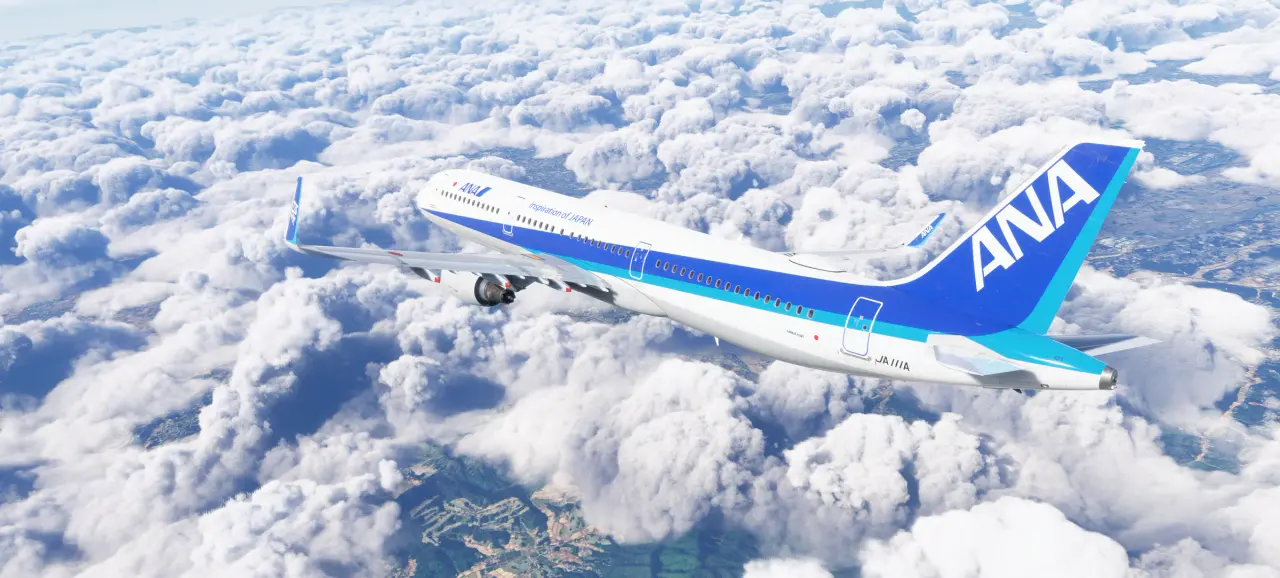
Fly the weather that is out there.
From $29.99, once, on StrataSim Shop, and every update to a simulator you own is free. For Microsoft Flight Simulator 2024 or 2020, or X-Plane 12, on 64-bit Windows 10 or 11.