
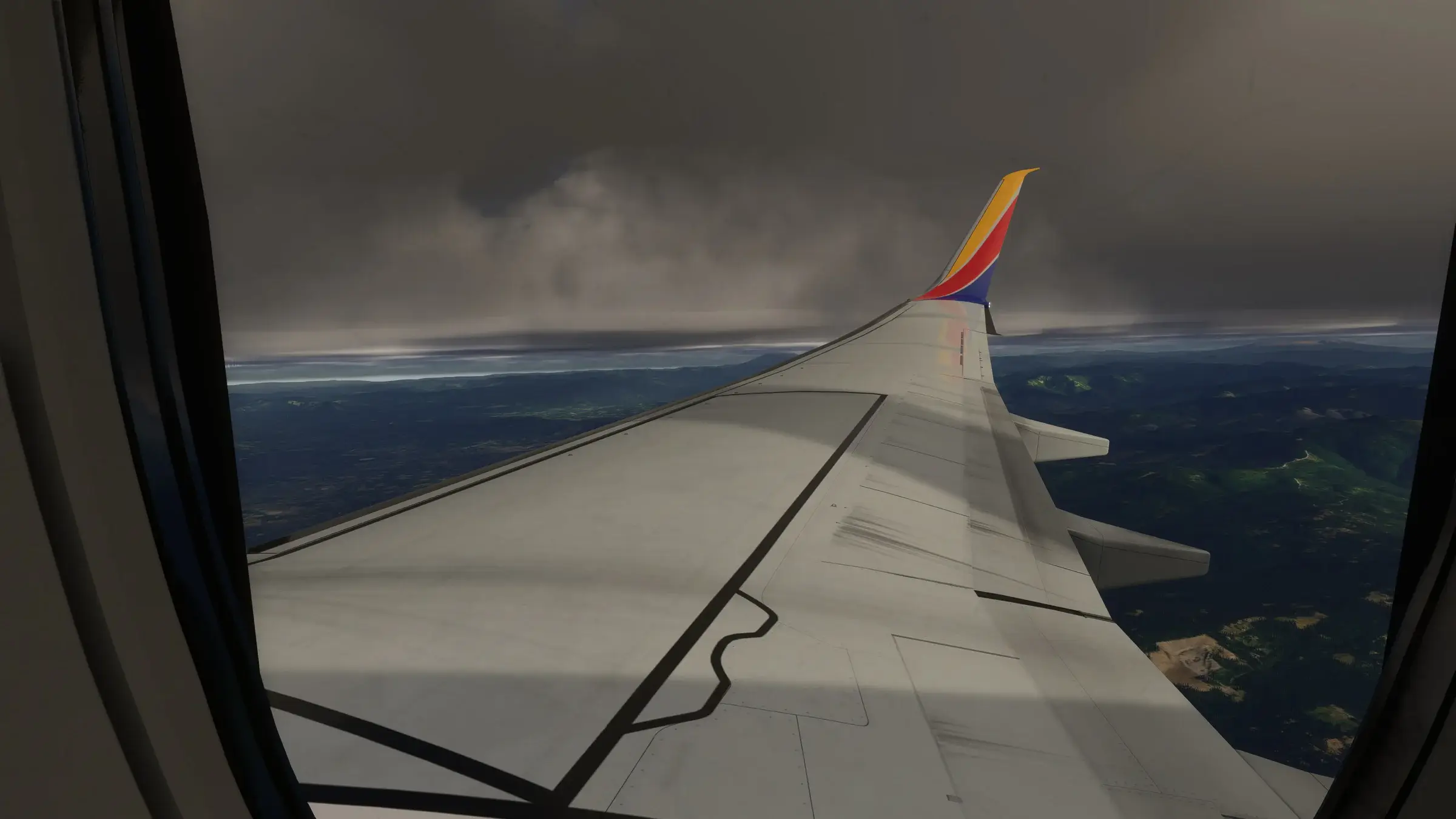
X-Plane 12 weather, written in.
StrataWx for X-Plane 12 is a separate build of the same real-world weather engine. X-Plane lets an add-on write the atmosphere itself, so this build writes a true 13-layer wind column, turbulence layer by layer and real cloud decks, instead of handing over one uniform preset.
$40.99, once, on StrataSim Shop, and every update is free. For X-Plane 12 on 64-bit Windows 10 or 11. A separate licence from StrataWx for MSFS.
Why X-Plane gets its own build.
The two simulators do not take weather the same way, and that difference decides what any weather engine can be on each.
On MSFS, one preset.
Microsoft Flight Simulator exposes no writable weather, so StrataWx models the whole column and then has to hand it over as one weather state the simulator applies everywhere. The modelling is not the limit there. The last step is.
On X-Plane, the layers themselves.
X-Plane 12 exposes the atmosphere as data an add-on can write. So this build sets each wind layer, each layer's turbulence and each cloud deck directly, which is why it is a separate build rather than a checkbox, and why it is priced on its own.
The same engine, and the same app.
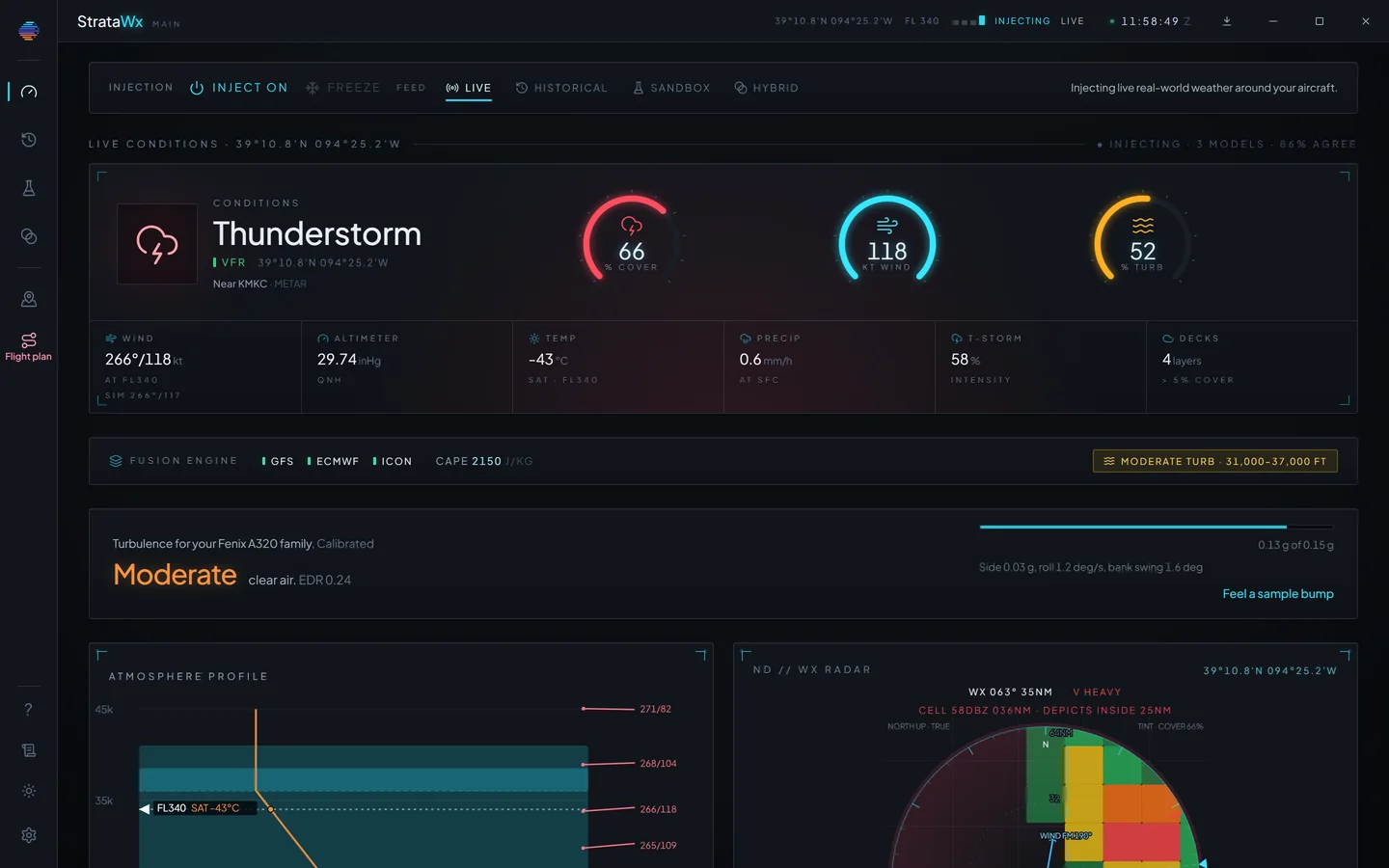
None of the weather modelling is new: the same real-world observations, the same three global models and the same atmosphere built from them, in an app that looks and works like StrataWx for MSFS. Live, Historical and Sandbox come across with it.
Look up any airport before or during a flight, with the wind against its runways, the runways in use and who is flying online. Storm days build storm clouds, and the radar shows the rain where you are, in the US and beyond.
What this build does not do.
Four things, here rather than in a support ticket. If you are choosing a weather add-on for X-Plane 12, this is the part worth reading twice.
It is written around you, not across the map.
X-Plane gives an add-on one atmospheric region around the aircraft, so this build writes the sky where you are and carries it with you. There is no line of storms standing over one state while the sun shines two states away.
Onboard radar cannot paint the cells.
The weather is written as a region rather than as separate cells, so an aircraft's radar does not show a cell the engine built. StrataWx draws its own precipitation picture in the app.
It is Windows only.
X-Plane 12 runs on Windows, macOS and Linux. StrataWx is a 64-bit Windows app, and so is this build. On a Mac or a Linux machine, it is not for you.
It does not licence the MSFS app.
Buying it gets you X-Plane 12 and nothing else, and it runs the other way too: the MSFS cross-grade and the both-simulators licence never reach it. The all-three licence covers both.
Price and delivery.
One time, on StrataSim Shop. It installs from your StrataSim Shop library and activates there on its own, and every update is free.
X-Plane 12
$40.99
One time, on StrataSim Shop.
StrataWx for X-Plane 12, on its own licence.
All three
$62.99
One time, on StrataSim Shop.
X-Plane 12, MSFS 2024 and MSFS 2020, on one licence.
The sale is final once the download is delivered, under the StrataSim Shop refund policy. That does not affect your rights if the product is faulty.
Why does the X-Plane 12 build cost more?
It does more. X-Plane lets an add-on write the atmosphere, so this build writes a 13-layer wind column, per-layer turbulence and real cloud decks instead of one uniform preset.
Does my StrataWx for MSFS licence cover X-Plane 12?
No. StrataWx for X-Plane 12 is a separate build on a separate licence, and the MSFS cross-grade covers MSFS 2024 and MSFS 2020 only. The all-three licence covers every simulator.
Will the weather vary from place to place across the map?
No. X-Plane gives an add-on one atmospheric region around the aircraft, so this build writes the sky where you are and carries it with you.
Do I need Windows?
Yes. StrataWx is a 64-bit Windows app, and the X-Plane 12 build is the same.

Every layer, written in.
$40.99, once, on StrataSim Shop. For X-Plane 12 on 64-bit Windows 10 or 11.