
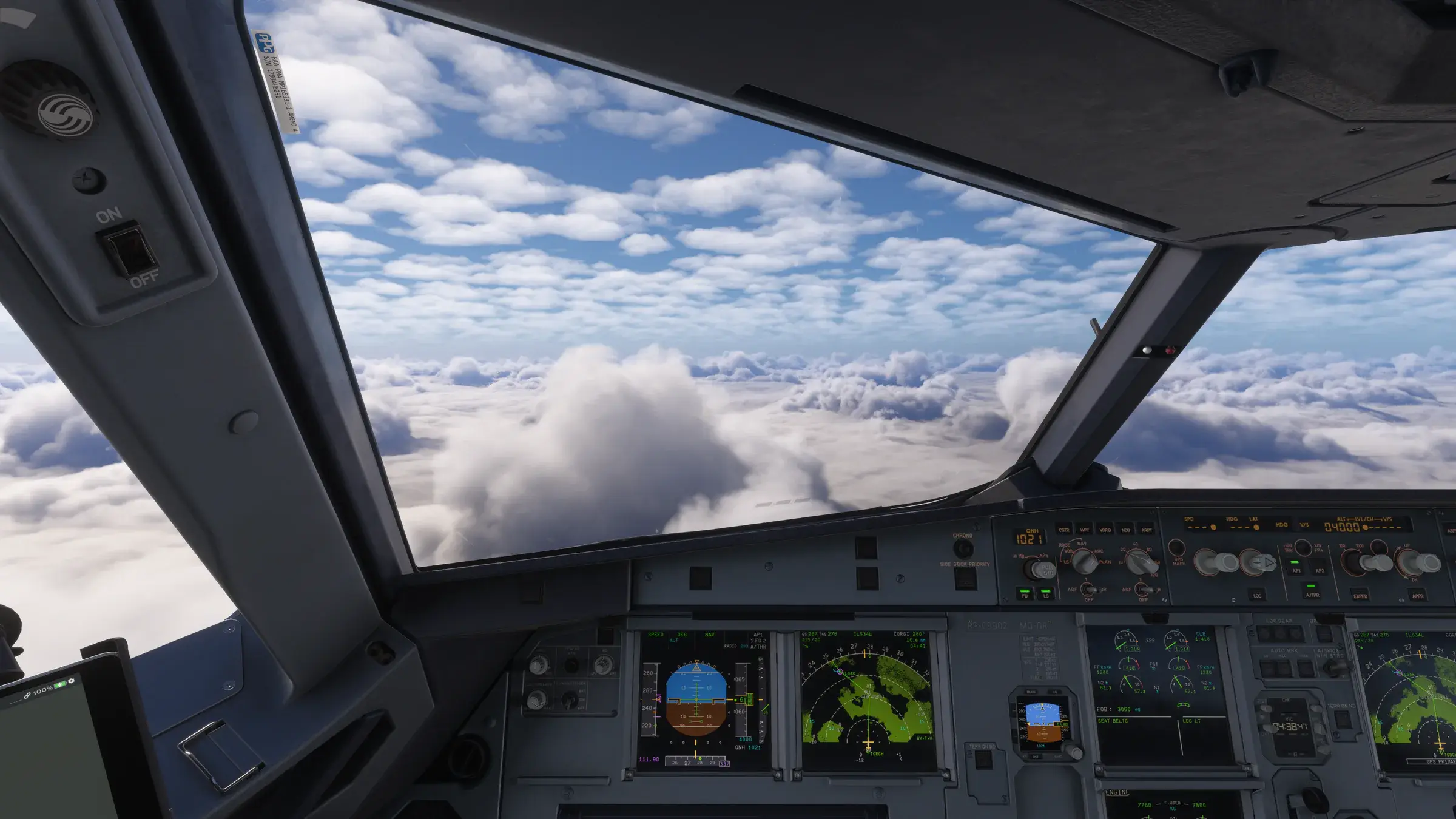
Everything StrataFx does.
Twenty sky and environment controls, five weather controls, eight themes and a studio built to put everything back the moment you stop.
The look studio.
Your theme, a preview of it and the controls that shape it, on one screen. The preview is drawn from your flight's own conditions, the sun, the clock and the visibility, and turns between the forward view and the view toward the sun.
It is an approximate preview, not a capture. The final word is always the view from your cockpit, and Apply is one click away.
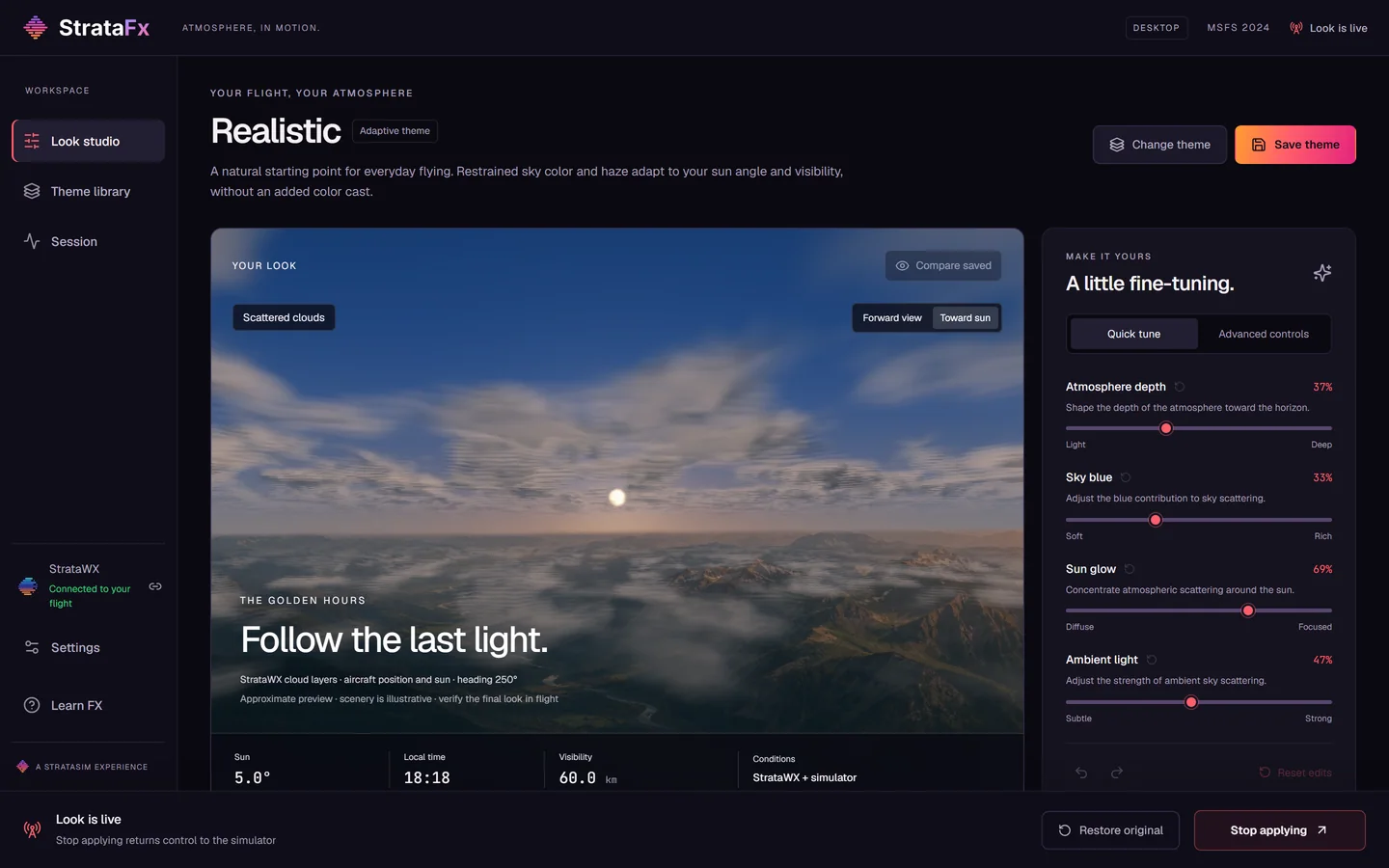
Every control, by name.
Quick tune keeps it to four sliders: atmosphere depth, sky blue, sun glow and ambient light. Advanced controls open all of it, each value typed to nine decimal places if you want it, with its own reset, color channels that lock together, and undo and redo for every change.
Atmosphere
Atmosphere depth, scattering height and the phase function that shapes the glow around the sun. Rayleigh scattering in red, green and blue, which is the blue of the sky itself. Particle distribution, and particle absorption and scattering in red, green and blue, which together decide how haze builds toward the horizon.
Environment
Balance in red, green and blue, the absorption that tints the sky as light crosses it. Scene color, the light the ground hands back to the air above it. Scattering intensity, how much light scatters more than once on its way to you.
Weather
A cirrus layer you can switch on, raise and thicken. Cloud wind response and minimum cloud motion, which shape how clouds animate in the wind your weather already has. Cirrus works in the simulator’s preset weather; MSFS Live Weather keeps its own.
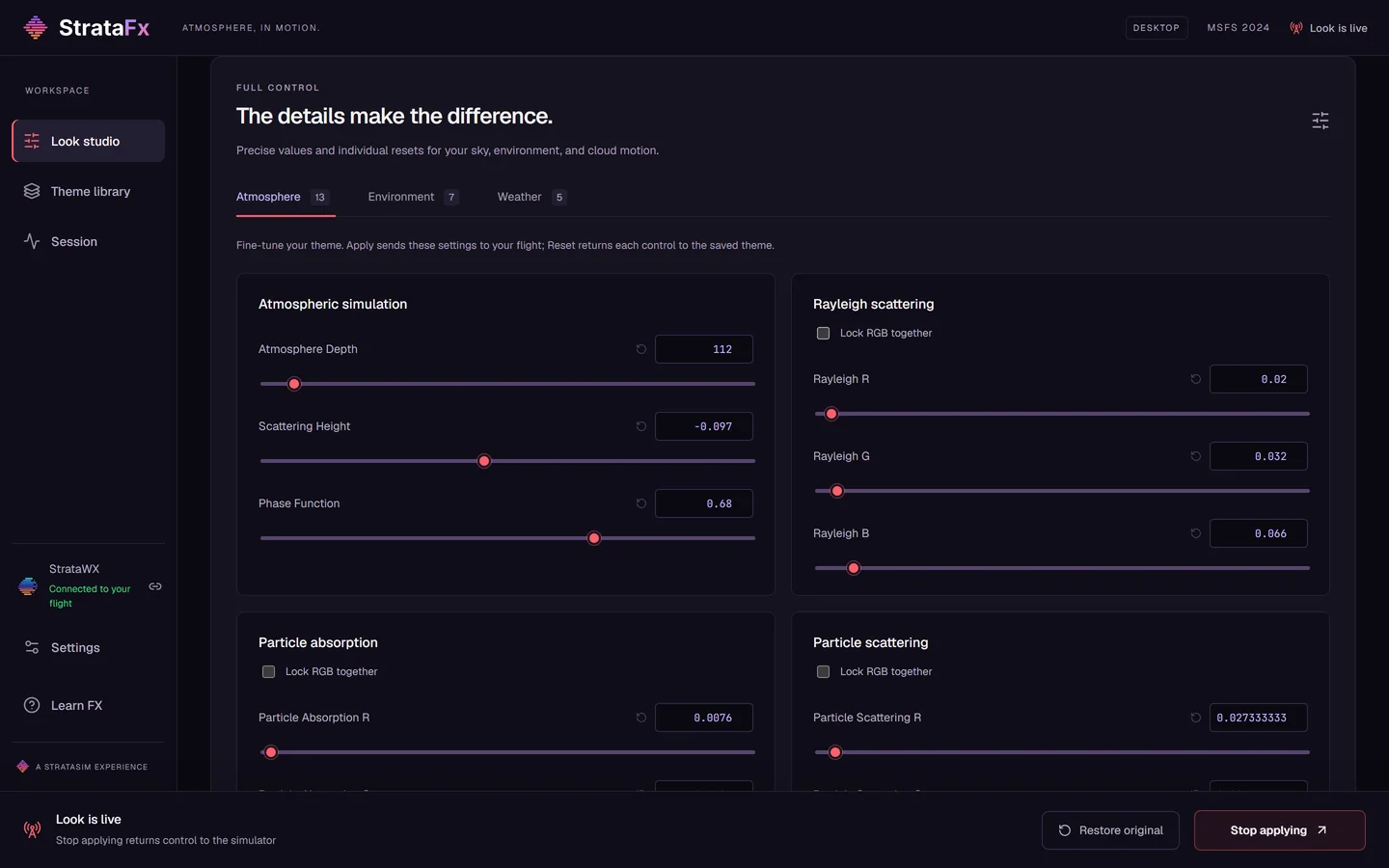
Cirrus, and clouds that move with the wind.
Switch on a cirrus layer, set its height in meters and its coverage from clear to full. Cloud wind response and minimum cloud motion change how clouds animate in the wind your weather already has. The direction and strength of that wind stay your weather's.
Cirrus works in the simulator's preset weather. MSFS Live Weather keeps its own cirrus, and StrataFx says so instead of showing you a control that does nothing.
A library, not a folder of presets.
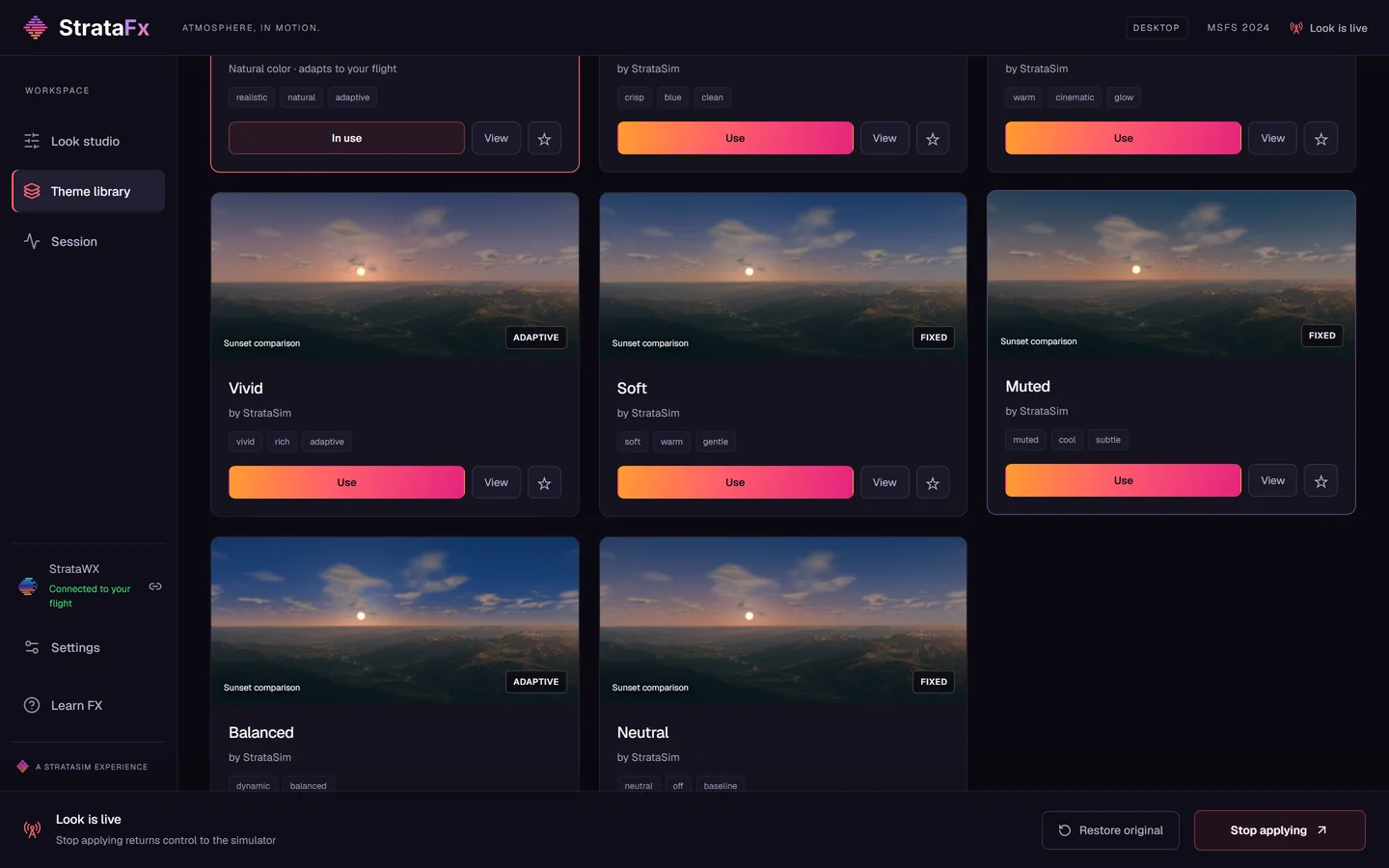
Eight themes come installed. Fixed themes hold their settings all flight; adaptive themes follow the sun, the clock and the visibility. Compare them all in one scene at daylight, sunset, night, under cloud or in your own conditions before you choose.
Mark favorites, search, save your current look as a theme, export any theme as a file, import one from another pilot and back up the whole library in one go.
Conditions, your call.
Auto.
The default. Follows StrataWx when it is running and the simulator when it is not.
Simulator.
Reads the sun, the clock and the visibility straight from your flight.
Manual.
Set the conditions yourself, to explore a look on the ground or hold one in place.
Better with StrataWx.
StrataWx builds the weather; StrataFx shapes the atmosphere around it. With both on the same PC they connect on their own, and StrataWx keeps control of clouds, wind and precipitation while your theme changes only how the sky looks.
StrataWx is a separate product, and StrataFx never needs it.
Meet StrataWx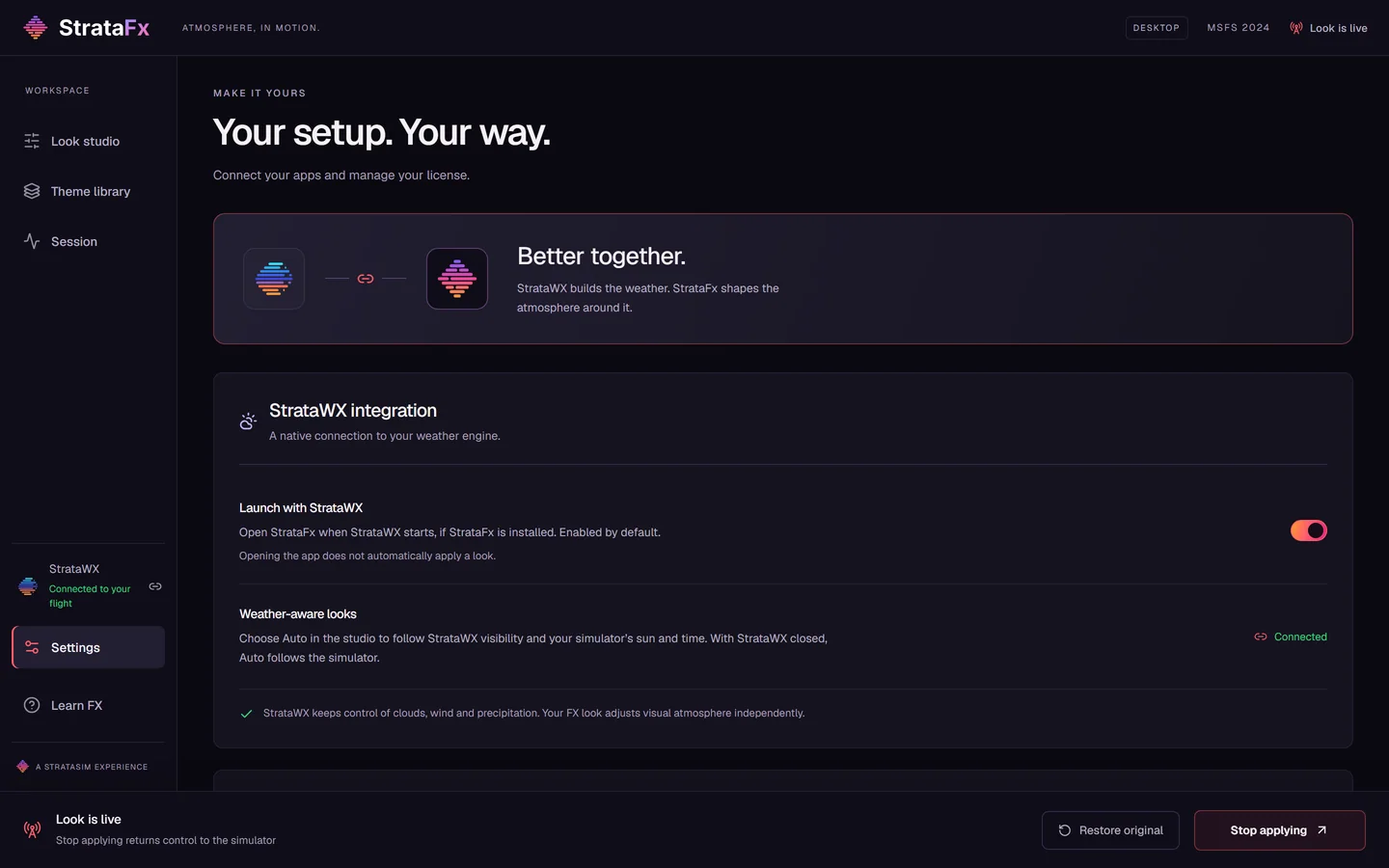
Built to put everything back.
It remembers first.
Before StrataFx changes a value, it records the simulator's own. Stop, Restore original or closing the app returns every one of them exactly.
It asks first.
Nothing reaches your flight until you press Apply, and no saved setting can apply a look behind your back.
It checks first.
StrataFx only works on simulator builds we have verified, and steps aside rather than fight another tool over the same values.
Installed and kept current for you.
StrataFx installs and activates from your StrataSim Shop library, then updates in the background while it is closed. One copy can be active on three PCs at once, and each license check lasts seven days, so StrataFx needs the internet now and then rather than all the time.
No administrator prompt, nothing installed into your simulator, and code-signed by StrataSim Designs LLC. Learn FX, in the sidebar, replays the guided tour whenever you want it.
How to get startedEarly access. $18.99 once, on StrataSim Shop, with tax added at checkout where it applies. For Microsoft Flight Simulator 2024 on 64-bit Windows. Steam is verified. Microsoft Store, Xbox app and PC Game Pass validation is in progress.